











Accéder au contenu principal

Widgetkit

  • The Martinez Brothers for DKNY Fall 2019 #IAMDKNY Men’s Campaign
  • Halsey for DKNY Fall 2019 #IAMDKNY Campaign
  • Naufrage de l’« Amoco Cadiz » : une marée noire qui a tout changé
  • Morgan Campagne  III
  • MORGAN Campagne II Summer 2017
  • MORGAN Campagne Summer 2017
  • Un financement adapté à votre budget pour vos fenêtres spot TV
  • Bien dans votre maison avec TRYBA spot TV
  • Des fenêtres bien isolées spot TV
  • MYMEC Campagne Web
  • PTSD Trailer
  • Affiche du jour Générique Télé TF1 Française des Jeux
  • Who's Next (RE)CREATE
  • Who's Next (RE)CREATE Fashion Evenementiel
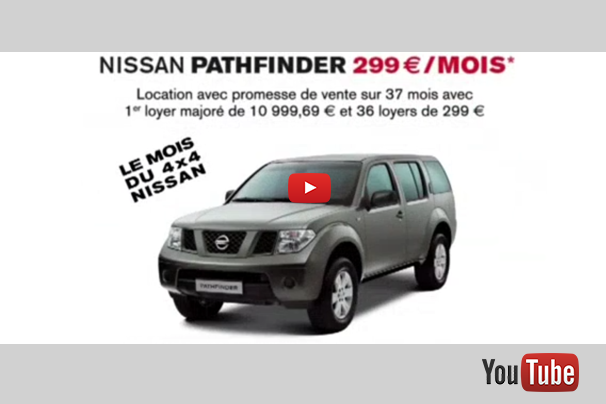
  • Pub Nissan UK & 25 European countries
  • Pub NISSAN UK & 25 european countries
  • PUB BIC 2016 ESPAGNE Rotuladores ultra lavables Kid Couleur de BIC® Kids España 2016
  • Les colles BIC ® des colles qui collent 15 France 2016
  • Do eat yourself
  • Buddha BAR V
  • Un Dimanche en France Générique télé France 3
  • GEO MAGAZINE music production
  • OCEAN SPRAY
  • CARREFOUR publicite tv
  • ALOUETTE Habillage antenne Radio & Jingles
  • Billboard M6 LAMALOLI
  • Pub Orange Spheres Afrique
  • GRAND QUARTIER
  • LITTLE PIANO WALKING PTSD
  • LE CRAYON DE COULEUR PUB TV UK 2016
  • L'Affiche du Jour
  • GENERIK OPEN PTSD
  • Les dessous du soutien gorge LE DOC DU DIMANCHE sur FRANCE 5
  • Sushis, les recettes d'un succès 2015 LE DOC DU DIMANCHE
  • La Fraise Un Parfum De Business doc tv France 5 LE DOC DU DIMANCHE
  • NRJ habillage antenne
  • HILLS LOS ANGELES 2 PTSD
  • IN THE ALLEY & NEAR THE SHOPS LIGHT PTSD
  • Lyrics Dieu ma donné la foi Ophélie Winter clip officiel
  • Balade à dos d'éléphant en Thaïlande
  • SWINERS I WANT TO LOVE YOU 2002

Les colles BIC ® des colles qui collent 15 France 2016

Les colles BIC ® des colles qui collent 15 France 2016

Widgets

Currently available widgets

Accordion

Accordion

Gallery

Gallery

Grid Slider

Grid Slider

Grid Stack

Grid Stack

Grid

Grid

Map

Map

Parallax

Parallax

Slider

Slider

Slideset

Slideset

Slideshow

Slideshow

Switcher

Switcher


How to use

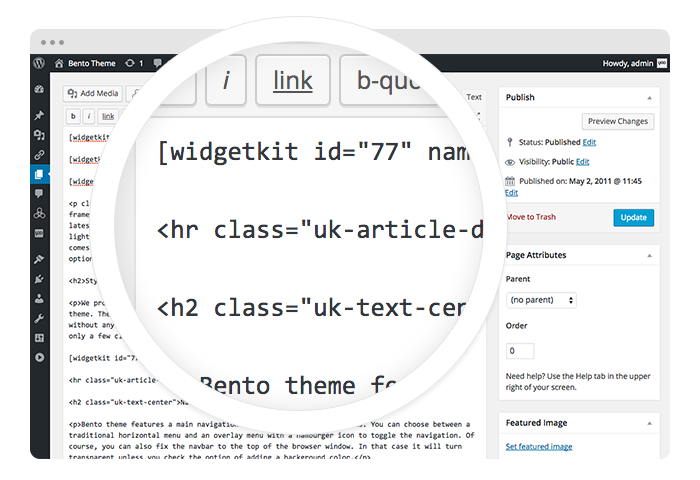
Use a shortcode to display your widget anywhere on your website
Start in the editor

Start in the editor

To get started, click on the Widgetkit button in your CMS edit view. You will be directed to an overview of already existing widgets, hit the New button. Now choose the widget you would like to render, for example Grid and the content type. Afterwards hit Create to proceed to the next step.
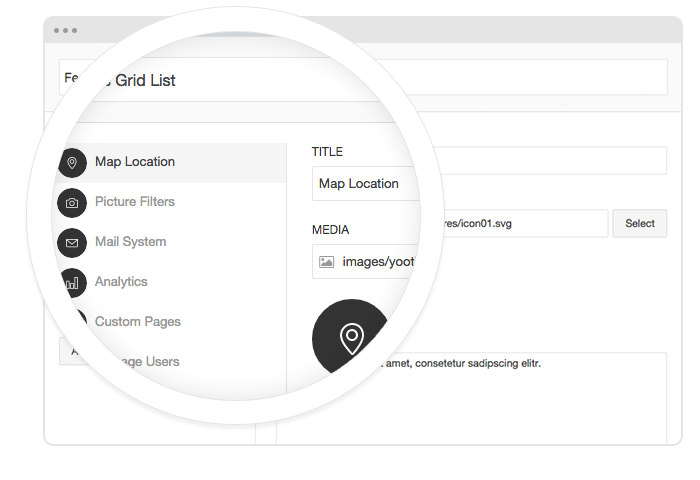
Explore the Interface

Explore the Interface

To create your content, you can add single content items by using Add Item. Alternatively you can use Add Media to select multiple items at once through the media library or manager of your CMS. Enter a name for your widget and go to the Settings tab to configure your widget, then hit Save.
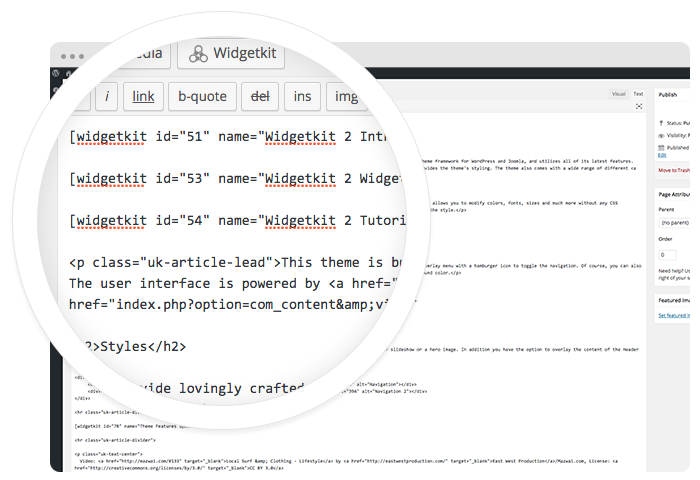
Using the shortcodes

Using the shortcodes

After saving, hit the Cancel button to get back to the widget overview. Click on your newly created widget and a shortcode containing the widget's ID and name will be inserted in the editor. To edit the widget, click inside the shortcode and hit the Widgetkit button again.


Features

All widgets make use of modern web technologies

  • All widgets are fully responsive
  • Use shortcodes to show widgets anywhere
  • Clean and lightweight code
  • User friendly interface
  • Supports touch gestures for mobile devices
  • Built with the UIkit framework